


A blog is a great way to express your thoughts, create a web presence for your company and provide content to Internet users. If you’re planning to create a blog, but don’t wish to get into the
hassles of hosting, developing and deploying it yourself, consider
creating a blog at any of the free blogging platforms mentioned below.
Such services offer a plethora of features and generally come with both
free as well as paid plans.
Let’s look at the top 10 most popular online blog-publishing services.
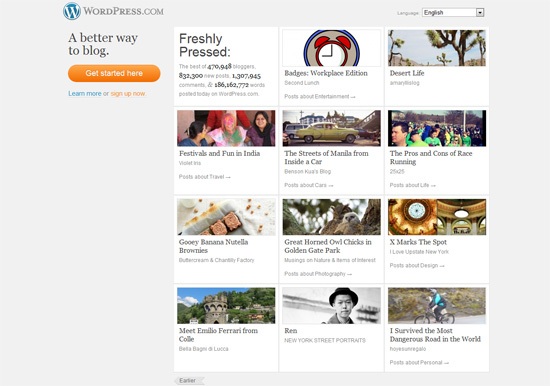
WordPress.com is perhaps the most feature-rich blogging service out there. It uses the popular open source web software WordPress, and offers many features in its free version — traffic stats, anti-spam filters, SEO, gorgeous themes and more.
If you choose to use WordPress.com, you’ll be in good company, as many popular blogs — including CNN’s Political Ticker, People Magazine’s Style Watch and Flickr — are on this platform.
If you need more than what the free version offers, you can opt for their premium features that include custom domains, upgraded web hosting resources and more. Whether you’re an expert blogger or a beginner, this ultimate blogging platform is a safe bet.
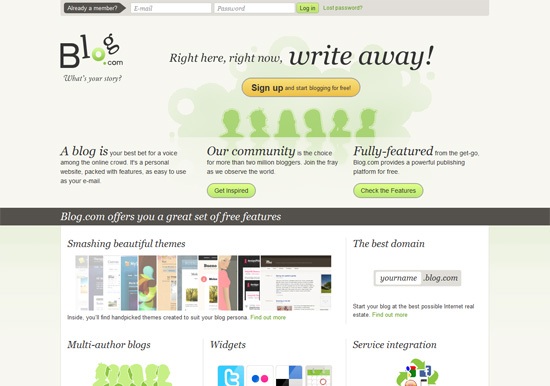
Blog.com is another popular WordPress-powered blogging platform. Just like other services, it has its own share of pros and cons. For a start, it offers many beautiful premium themes in its free accounts, as well as advanced plugins that one can expect only on a self-hosted blog. However, on the downside, the free service displays more ads as compared to WordPress.com. (But you can opt for paid upgrades to remove the advertisements.) The free storage space offered on Blog.com is 2GB in the basic plan, which is less compared to 3GB that WordPress.com gives its users.
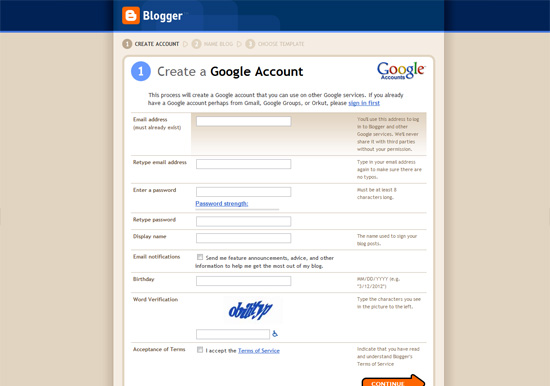
Google Blogger is a well-known blogging service that offers many features to its users. For example, Blogger comes with a Template Designer user interface that lets you tweak your blog’s appearance as much as you want. (However, the templates provided are, in my opinion, no match compared to WordPress themes.)
When it comes to ease of use, most beginners prefer Blogger as it offers a no-nonsense interface for administering your blog and top-notch integration with their Google account. Another great thing about Blogger is that it offers certain great features for free that you normally need to pay for in other blog-publishing services, most noteworthy being the ability to set up custom domains without paying a cent.
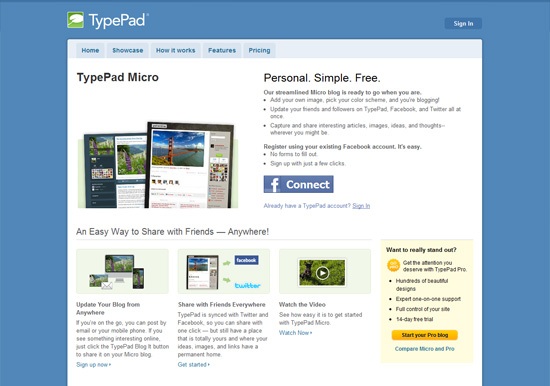
TypePad Micro is another free blog-publishing service. The interface is easy to use, and you can import/export content from many other blogging platforms. However, in terms of add-ons and themes offered, TypePad Micro won’t satisfy even the most basic blogger. The cheapest paid plan begins at $8.95 per month and comes with additional themes, custom domain mapping, as well as technical support.
In an age where almost all blogging services are offering numerous features in their free versions, TypePad Micro seems to be lagging behind.

Jux is an innovative service that lets you easily share content online. Conventionally speaking, it’s not a blogging service like the ones previously mentioned, however, it has a lot of the same functionalities. Rather, Jux lets you create your own microblogging site for sharing your content. By default, Jux templates don’t have the native sidebars and other widgets that are common to most blogs. Instead, Jux provides a clean (and beautiful) approach to blogging. Simply create an account, and then start sharing your content.
While Jux does seem amazing and has excellent support for mobile devices, it may not be everyone’s cup of tea. For instance, if you’re planning to create a more conventional blog, opting for WordPress might be a better option. On the other hand, if you’re leaning more towards visual content, such as photos and artwork, Jux may just amaze you with its features.

Tumblr is a popular and feature-packed microblogging platform. It comes with many outstanding and interesting features such as audio blogging (for sharing your music, for example), free custom domains, hundreds of amazing blogging themes and more. Furthermore, you can sync your Tumblr account with Facebook and/or Twitter so that you can update your social media feeds in a single location. Yet another awesome feature is the ability to create community-powered group blogs. Tumblr also offers support for many third-party apps such as Google Analytics and Feedburner.

Posterous Spaces is an excellent online blog-publishing service that is similar to Tumblr.
Posterous Spaces has excellent privacy and viewing features so that you can easily control who can see what on your Posterous Spaces site. It’s designed to allow its users to post content quickly and as hassle-free as possible, so it has loads of features included to facilitate this, such as free mobile apps for iOS and Android smartphones so you can update your blog on the go and a simple, well-designed user interface. Using Posterous Spaces means you’ll be in good company; popular tech startups like MailChimp, TweetDeck and Airbnb leverage Posterous as their company blog.
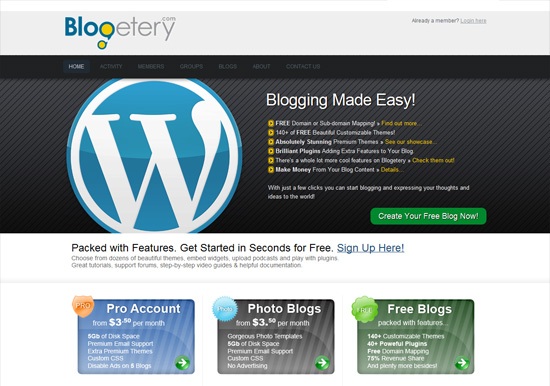
Blogetery is a WordPress-powered online blogging service that offers a modest set of features. Free accounts get nearly 140 themes, custom domain mapping and roughly 40 plugins to choose from.
On Blogetery, ads are displayed on all free blogs, but if you wish to upgrade, you can opt for the paid plan that will cost you $3.50 per month and will give you additional themes, plugins, email support, 5GB of additional storage space, the ability to remove ads, etc.
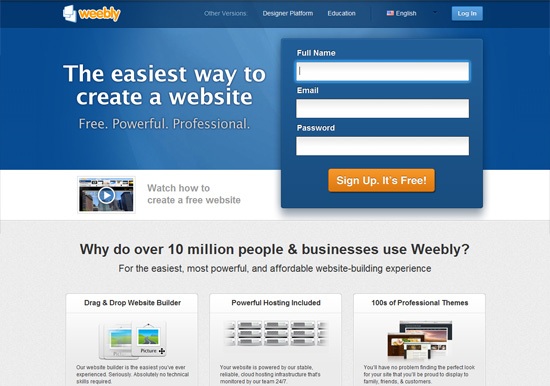
Weebly offers more than just blogging — it’s a fully featured website builder! Weebly’s blog manager features a drag-and-drop interface, support for image galleries, slideshows, video/audio, maps, etc. Additionally, you can opt for their Designer Platform that lets you build websites for your client, thereby effectively using Weebly as a content management system.
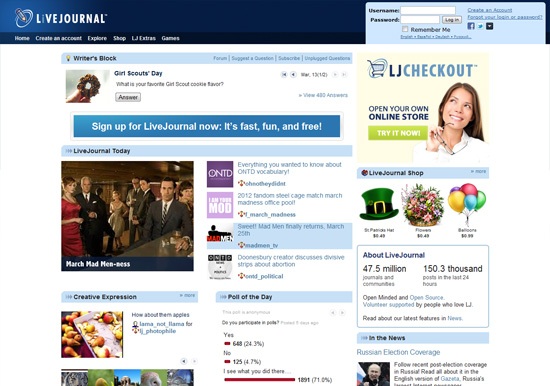
LiveJournal (often abbreviated as LJ) offers blogging with a touch of social networking to it. You can participate in polls, create networks and interact with other LJ users alongside your blog.
With that said, the features, compared to other similar blogging services, are nothing to brag about. Their collection of template is decent, and plugins/extensions are pretty basic in nature.
Let’s look at the top 10 most popular online blog-publishing services.
1. WordPress.com
WordPress.com is perhaps the most feature-rich blogging service out there. It uses the popular open source web software WordPress, and offers many features in its free version — traffic stats, anti-spam filters, SEO, gorgeous themes and more.
If you choose to use WordPress.com, you’ll be in good company, as many popular blogs — including CNN’s Political Ticker, People Magazine’s Style Watch and Flickr — are on this platform.
If you need more than what the free version offers, you can opt for their premium features that include custom domains, upgraded web hosting resources and more. Whether you’re an expert blogger or a beginner, this ultimate blogging platform is a safe bet.
2. Blog.com
Blog.com is another popular WordPress-powered blogging platform. Just like other services, it has its own share of pros and cons. For a start, it offers many beautiful premium themes in its free accounts, as well as advanced plugins that one can expect only on a self-hosted blog. However, on the downside, the free service displays more ads as compared to WordPress.com. (But you can opt for paid upgrades to remove the advertisements.) The free storage space offered on Blog.com is 2GB in the basic plan, which is less compared to 3GB that WordPress.com gives its users.
3. Blogger
Google Blogger is a well-known blogging service that offers many features to its users. For example, Blogger comes with a Template Designer user interface that lets you tweak your blog’s appearance as much as you want. (However, the templates provided are, in my opinion, no match compared to WordPress themes.)
When it comes to ease of use, most beginners prefer Blogger as it offers a no-nonsense interface for administering your blog and top-notch integration with their Google account. Another great thing about Blogger is that it offers certain great features for free that you normally need to pay for in other blog-publishing services, most noteworthy being the ability to set up custom domains without paying a cent.
4. TypePad Micro
TypePad Micro is another free blog-publishing service. The interface is easy to use, and you can import/export content from many other blogging platforms. However, in terms of add-ons and themes offered, TypePad Micro won’t satisfy even the most basic blogger. The cheapest paid plan begins at $8.95 per month and comes with additional themes, custom domain mapping, as well as technical support.
In an age where almost all blogging services are offering numerous features in their free versions, TypePad Micro seems to be lagging behind.
5. Jux
Jux is an innovative service that lets you easily share content online. Conventionally speaking, it’s not a blogging service like the ones previously mentioned, however, it has a lot of the same functionalities. Rather, Jux lets you create your own microblogging site for sharing your content. By default, Jux templates don’t have the native sidebars and other widgets that are common to most blogs. Instead, Jux provides a clean (and beautiful) approach to blogging. Simply create an account, and then start sharing your content.
While Jux does seem amazing and has excellent support for mobile devices, it may not be everyone’s cup of tea. For instance, if you’re planning to create a more conventional blog, opting for WordPress might be a better option. On the other hand, if you’re leaning more towards visual content, such as photos and artwork, Jux may just amaze you with its features.
6. Tumblr
Tumblr is a popular and feature-packed microblogging platform. It comes with many outstanding and interesting features such as audio blogging (for sharing your music, for example), free custom domains, hundreds of amazing blogging themes and more. Furthermore, you can sync your Tumblr account with Facebook and/or Twitter so that you can update your social media feeds in a single location. Yet another awesome feature is the ability to create community-powered group blogs. Tumblr also offers support for many third-party apps such as Google Analytics and Feedburner.
7. Posterous Spaces
Posterous Spaces is an excellent online blog-publishing service that is similar to Tumblr.
Posterous Spaces has excellent privacy and viewing features so that you can easily control who can see what on your Posterous Spaces site. It’s designed to allow its users to post content quickly and as hassle-free as possible, so it has loads of features included to facilitate this, such as free mobile apps for iOS and Android smartphones so you can update your blog on the go and a simple, well-designed user interface. Using Posterous Spaces means you’ll be in good company; popular tech startups like MailChimp, TweetDeck and Airbnb leverage Posterous as their company blog.
8. Blogetery
Blogetery is a WordPress-powered online blogging service that offers a modest set of features. Free accounts get nearly 140 themes, custom domain mapping and roughly 40 plugins to choose from.
On Blogetery, ads are displayed on all free blogs, but if you wish to upgrade, you can opt for the paid plan that will cost you $3.50 per month and will give you additional themes, plugins, email support, 5GB of additional storage space, the ability to remove ads, etc.
9. Weebly
Weebly offers more than just blogging — it’s a fully featured website builder! Weebly’s blog manager features a drag-and-drop interface, support for image galleries, slideshows, video/audio, maps, etc. Additionally, you can opt for their Designer Platform that lets you build websites for your client, thereby effectively using Weebly as a content management system.
10. LiveJournal
LiveJournal (often abbreviated as LJ) offers blogging with a touch of social networking to it. You can participate in polls, create networks and interact with other LJ users alongside your blog.
With that said, the features, compared to other similar blogging services, are nothing to brag about. Their collection of template is decent, and plugins/extensions are pretty basic in nature.


